Camera settings underwater
Most bad underwater footage is a settings problem, not a gear problem.
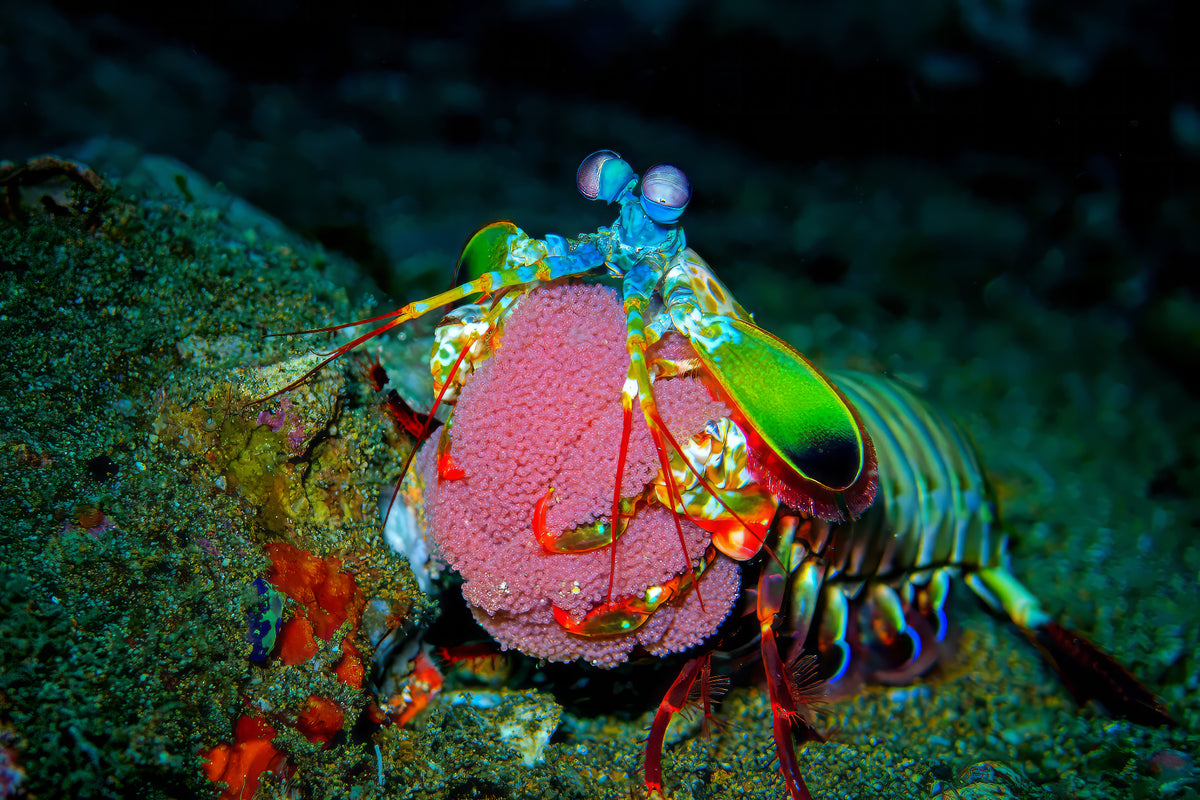
1. Lock exposure before you descend
Auto-exposure hunts as you move between bright sand and shadowed coral. Long-press the screen to lock AE/AF on a mid-tone, then adjust with the slider. You'll stop losing shots to the camera "deciding" mid-pan.
2. Shoot 4K 30, not 4K 60
30 fps gives you more light per frame and smaller files. Unless you plan slow motion, 60 fps just costs you storage and battery.
3. Turn off auto HDR and auto night mode
Both stack frames and produce smeared edges when the subject moves. Underwater, motion is constant.
4. White balance: lock it, then fix in edit
Auto white balance swings wildly between 5 m and 25 m. Lock it at the surface and correct once in the edit — it's faster than fighting it underwater.
5. The 3-second rule
Start recording three seconds before the subject is in frame, and hold three seconds after it leaves. Editing needs handles.
6. Check the frame, not the subject
Review one shot mid-dive. Not to admire it — to check the corners for backscatter and the edges for clipped fins.